ADBnox

Full ADB control from your phone — no computer needed

One bridge to every Android device.

ADBnox installs apps on Galaxy Watch and other Wear OS watches, Android TV and boxes, phones and tablets; transfers files, reads logs, opens terminals, disables bloat without deleting it and speeds devices up. It combines strong installing power, complete device tools and a secure web panel in one app.

⌚ Wear OS · 📺 TV/Box · 📱 Phone/Tablet🔌 Wi-Fi · USB OTG · Shizuku🛡️ VirusTotal🌐 Secure Web Panel🇹🇷 Turkish / 🇬🇧 English
ADBnox

What it does

From installing to device care, in one app

📦

Smart installing

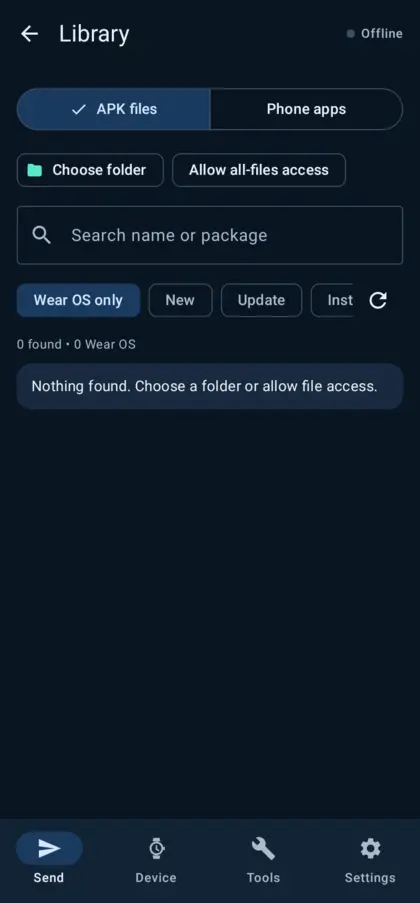
APK, split APKs, APKS, APKM, XAPK and OBB. Tapping a file opens a sheet showing what changes against the installed version (version, signature, permissions, size) and installs on this phone, silently or on the connected device — even in the background.

⌚

Made for watches and TVs

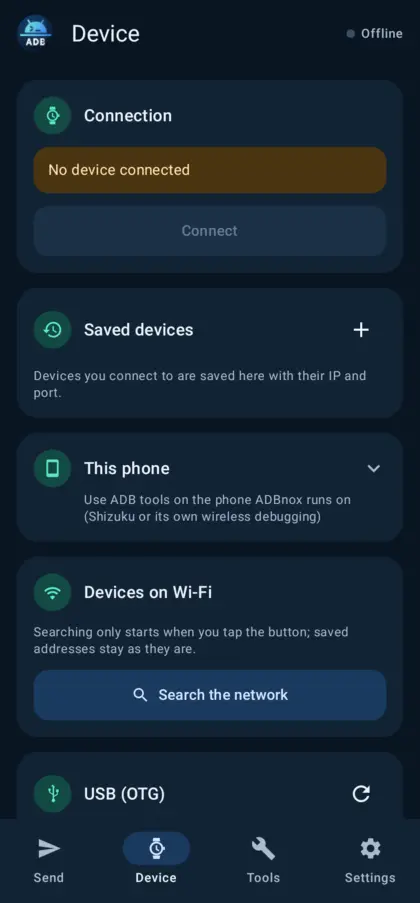
Galaxy Watch/Wear OS, Android TV, Google TV and boxes. Wireless debugging, pairing codes, USB OTG and a watch app with Bluetooth fallback; saved devices and on-demand network search.

📱

This phone is a target too

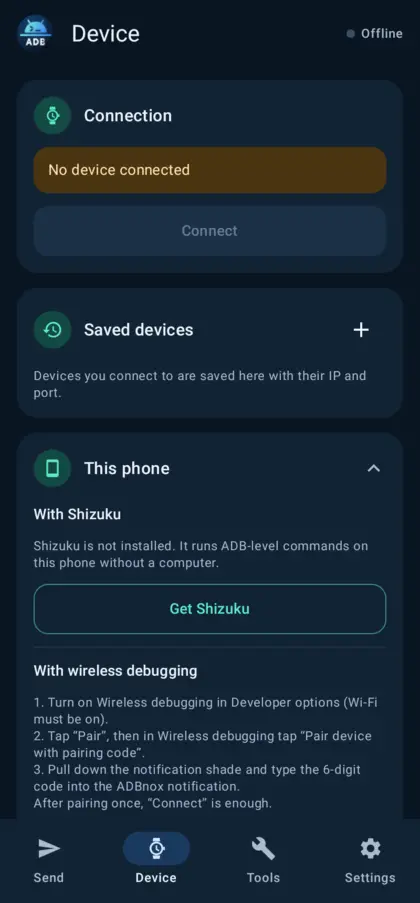
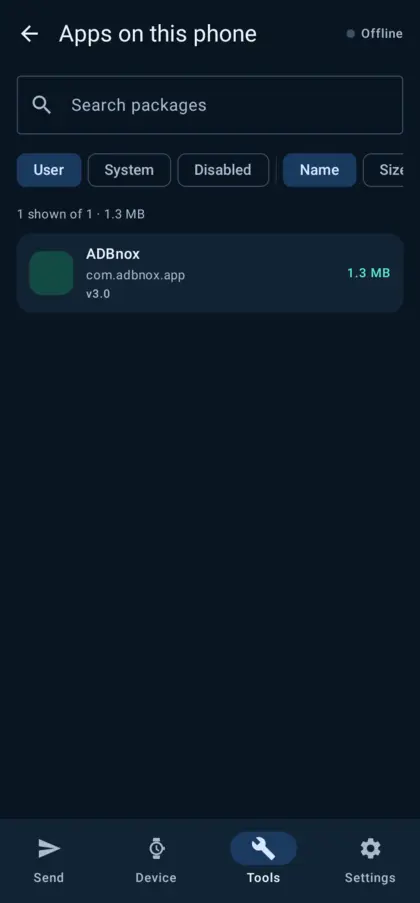
All ADB tools on the same phone through Shizuku or its own wireless debugging. App management even without ADB: sizes, permissions, share/export APKs, uninstall.

🧹

Debloat without deleting

Ready-made lists for watches, TV/boxes, phones and tablets; apps are only disabled and come back with one tap. Animation, cache, dexopt and background clean-ups.

🛡️

VirusTotal

Automatic SHA-256 lookups with your own API key, upload-and-scan for unknown files, a detailed report of 70+ engines, and strict mode that blocks flagged apps.

🧰

Device tools

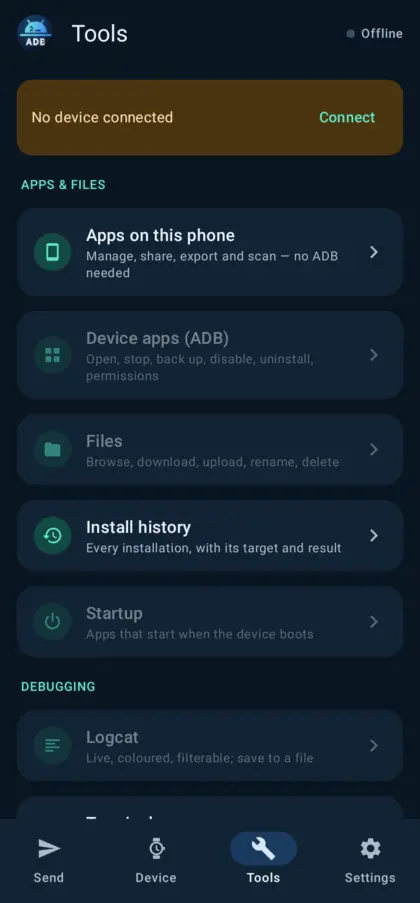
Live coloured logcat, tabbed terminal (local/remote, aliases, extra keys), file manager, remote and keyboard, screenshots/recording, battery health and cycles, storage, running apps, start-up management, diagnostics.

🌐

Secure web panel

Manage the phone and the connected device from a computer’s browser: drag-and-drop installs, apps, screen, files, terminal. Sign in with a PIN, user name/password or QR.

📜

History and backup

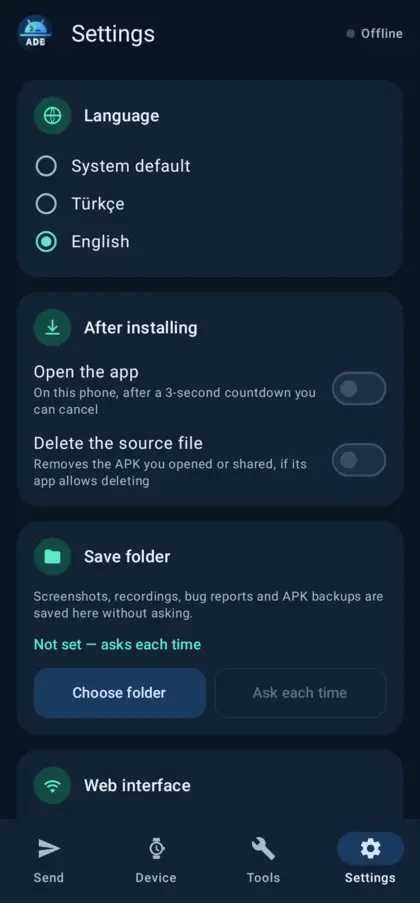
Every installation is logged with its target and result; open-after-install and delete-source options; all settings backed up to one file.
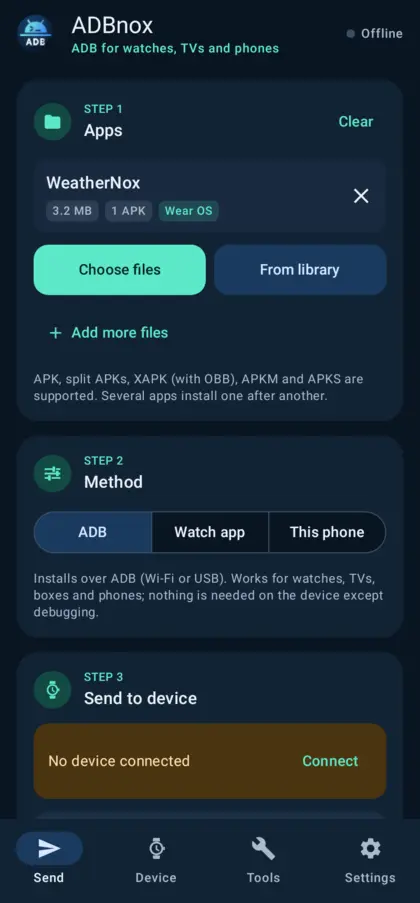
Screenshots

Send: file, method, target
Device: saved devices and search
This phone: Shizuku and own ADB
Tools
Tools
Apps on this phone
Apps on this phone
Library: New / Update / Installed
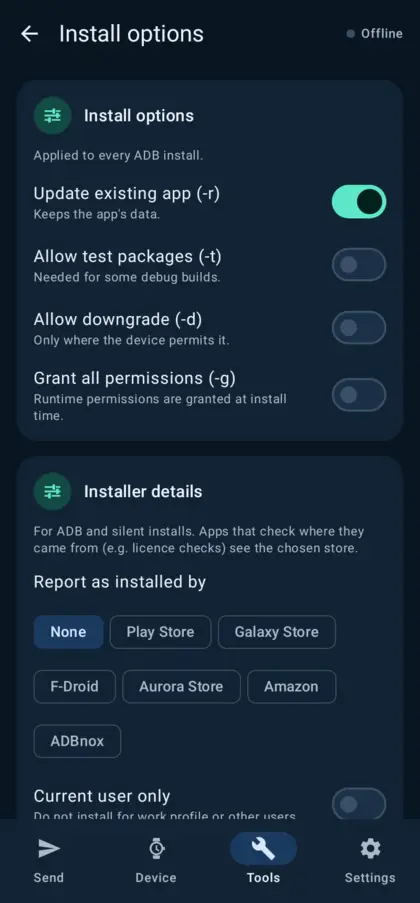
Install options
Install options
Settings: web, VirusTotal, backup

Quick start

01

Enable debugging on the target

On a watch/phone: Developer options › Wireless debugging; on a TV/box: “ADB over network”; or USB debugging + OTG.

02

Connect

Device tab: “Search the network”, a saved device or “Pair with code”. The connection is saved; a search updates it when the port changes.

03

Install and manage

Pick an APK on the Send tab or tap an APK in your file manager; manage the device from Tools.

Specifications

Packagecom.adbnox.app
Versionv3.0 (build 15) · phone + Wear OS watch
CompatibilityPhone: Android 8.0 – 16 · Watch: Wear OS 3+ · Target: Android 5+ (ADB)
ConnectionsWireless debugging (pairing code), network ADB (5555), USB OTG, Shizuku, the phone’s own ADB
LanguagesTurkish, English
PrivacyNo account, no ads, no tracking. Internet only for VirusTotal (optional).