Documents and preview
Select PDFs, photos and text. Use paper, page, colour and duplex options based on capabilities reported by the printer.
 ADBnox
Local printing for Android
Choose your printer, preview your document and print. Bring network, USB and Bluetooth connections together with Android’s print dialog, job tracking and diagnostics.
Google Play release is being prepared
One-time purchase · Lifetime use · No subscription
Printer support depends on the model and protocol. Store availability and device compatibility are shown on Google Play.
Real app screens, with sample printers and sample data.
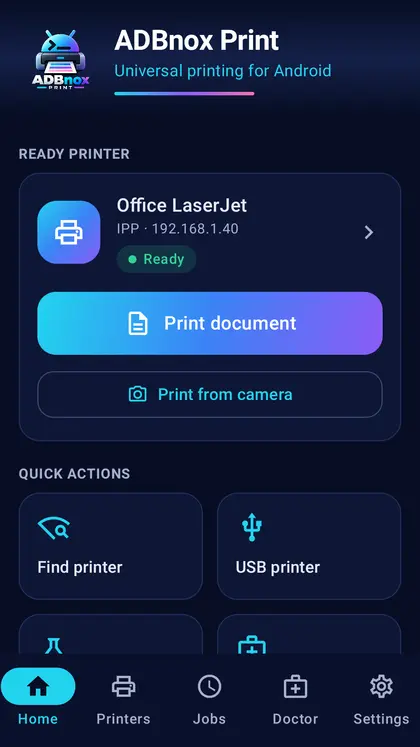
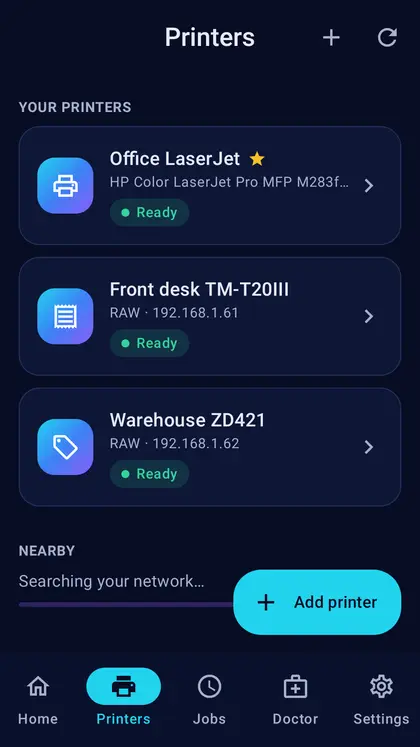
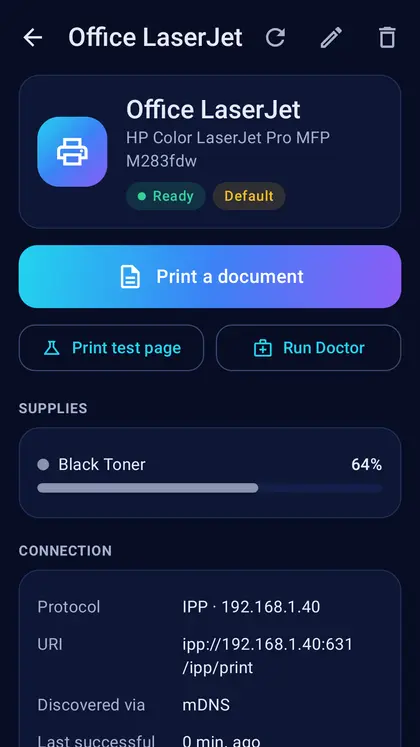
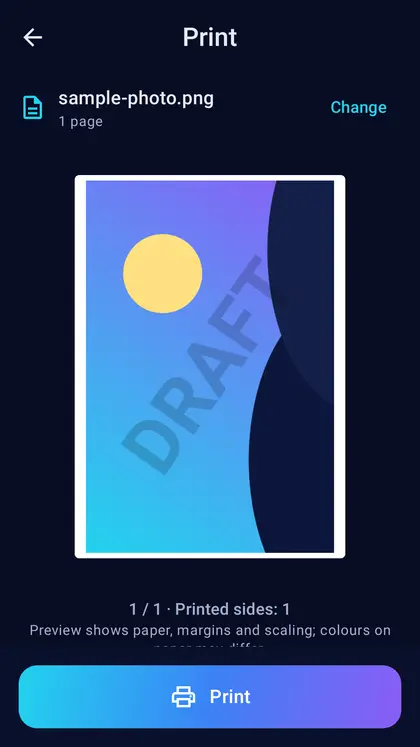
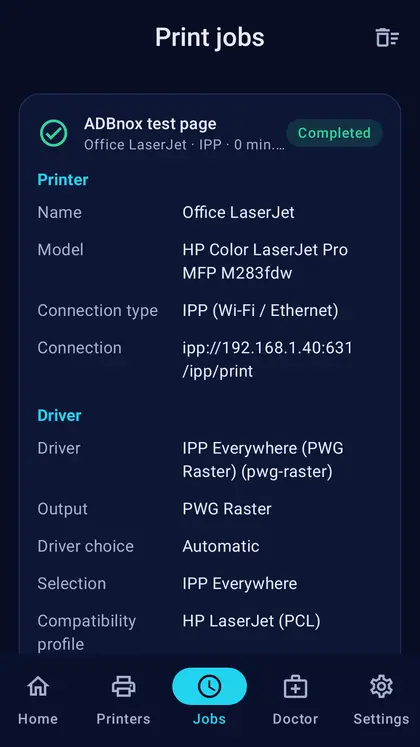
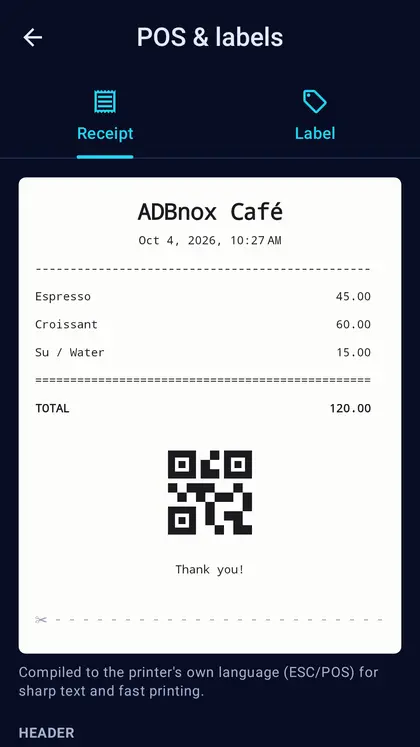
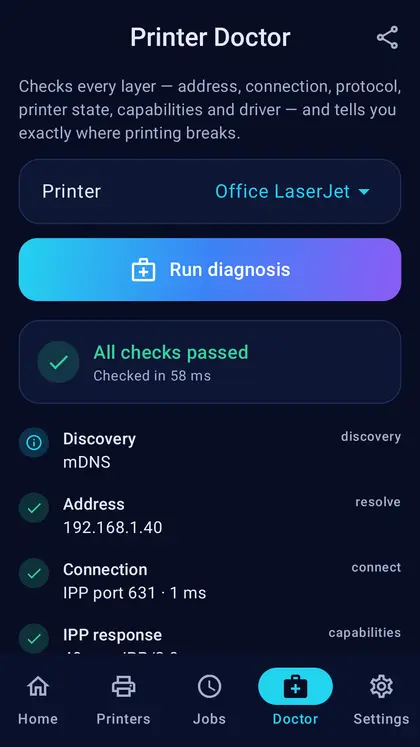
Select PDFs, photos and text. Use paper, page, colour and duplex options based on capabilities reported by the printer.
Network printing over IPP/IPPS, RAW 9100 and LPR; supported USB Printer Class and Bluetooth SPP connections.
Select saved printers from Android’s system print dialog and track job states in the app.
Connection and protocol diagnostics, plus supported ESC/POS receipt, ZPL and CPCL label profiles.
Discover it on your local network or enter its address. Grant the relevant permissions for USB and Bluetooth.
Pick a PDF, photo or text through the system picker or another app’s share menu.
Select compatible options and send the job. A Sent state does not always mean that the physical print has completed.
Not every printer model is supported. Phone, printer protocol and driver profile compatibility are required. Real-printer validation is ongoing; universal model compatibility is not guaranteed.
Printers tried on real hardware while the app was built. This is not a compatibility guarantee; results depend on the model and its settings.
| Printer | Connection | Result |
|---|---|---|
| Canon LBP251 | IPP (network) | Test page printed with driverless PWG Raster. |
| Develop ineo 283 | USB | Test page printed with PostScript. |
| Konica Minolta bizhub 367 | USB | Test page and a PDF printed with PCL 6. A job sent while the printer sleeps can be lost; wake the printer, then print. |
| Konica Minolta colour (36C series) | USB | Colour printing with PostScript Level 2. |
Make sure the phone is on the same Wi-Fi as the printer and that client isolation is off on the router. If the printer does not announce itself, enter its IP address under Add printer › Manual.
The printer is being sent a language it does not understand. In the printer's Advanced settings try PCL 6 or PostScript as the driver; Printer Doctor shows which language was chosen and why.
Host-based printers that only work with the maker's own driver (for example some HP LaserJets using ZjStream, Canon models that only speak UFR II, and CAPT printers). The app recognises these models and explains why.
No. Documents are turned into the printer's language on the phone and sent straight to the printer. The temporary print file is encrypted with a key held in memory for that job only, and deleted when the job ends.
Android 8.0 or later, on phones and tablets. USB printers need a phone with USB OTG.
One-time purchase · Lifetime use · No subscription
Each ADBnox app is purchased separately. There is no monthly or annual subscription for the app you purchase; payment is handled by Google Play.
The app you purchase has no time-limited subscription or renewal fee. This does not promise all future products, updates forever, or lifetime availability of third-party services.
No. ADBnox, ADBnox USB and ADBnox Print are independent apps, purchased separately through their own Google Play listings.
You can reinstall using the same Google account, subject to Google Play’s reinstall conditions and the new device’s compatibility.
The app’s Google Play listing provides current pricing, country and device availability, refund options and developer support details.
Documents are prepared on your device and sent to your chosen printer. Ordinary printing requires no cloud account, root, ADB or Shizuku.
Privacy policy →